Setup & authentication
Help connecting your StorageChain account, authorizing the connector, or resolving sign-in and reconnect issues.
View setup steps →
Support for StorageChain AI Connect™, Permission-Aware AI™, and connectors for ChatGPT and Claude. Get help with setup, authentication, authorized search, privacy requests, and security concerns.
Use the paths below for the most common StorageChain AI Connect, ChatGPT, and Claude connector support needs.
Help connecting your StorageChain account, authorizing the connector, or resolving sign-in and reconnect issues.
View setup steps →Understand why results appear, why content may be unavailable, and how StorageChain respects authorized source access.
How permissions work →Request data access or deletion, report a security concern, or review StorageChain privacy and service terms.
Privacy & security help →Seeing “Need admin approval” while connecting Microsoft SharePoint? Follow the Microsoft Entra administrator consent steps.
View admin consent guide →Find StorageChain AI Connect in your preferred AI interface, authorize your account, and begin searching the information you already have permission to access.
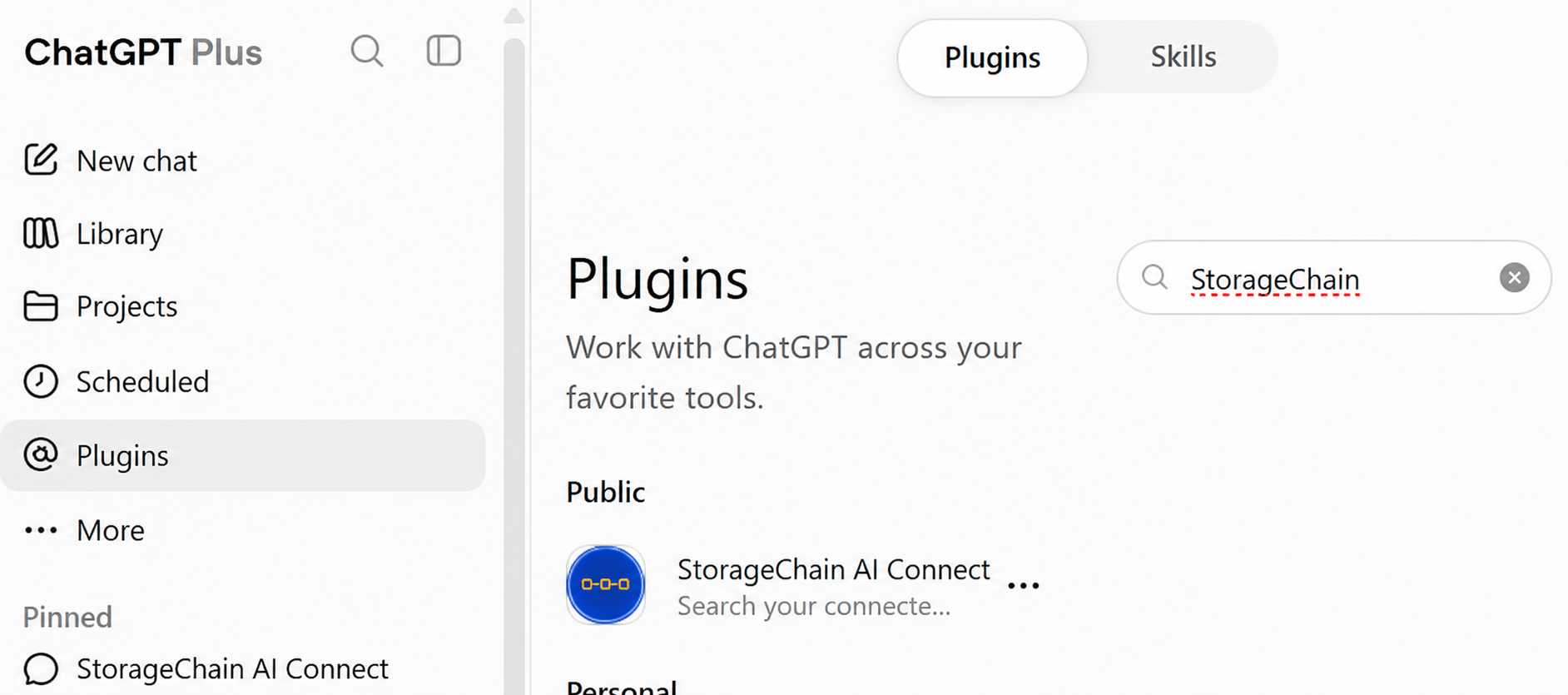
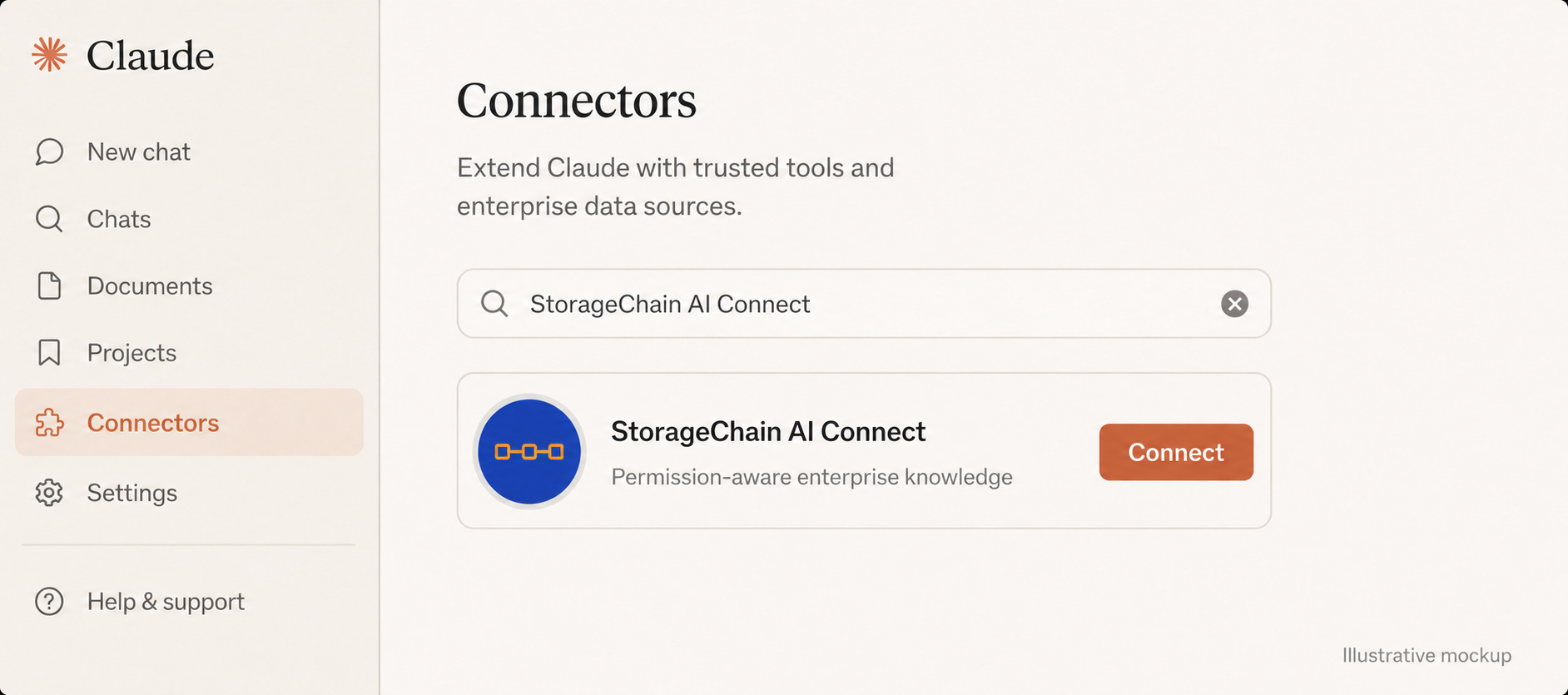
Claude image is an illustrative mockup; interface details may vary by plan and product version.
Use your authorized StorageChain knowledge layer from ChatGPT or Claude without exposing an unrestricted copy of your organization’s source data.
Get Setup Help →View Claude connector setup and support →
You must have an active StorageChain AI Connect account and access to an organization or workspace with repositories already connected and indexed.
Open the connector or integration settings in your preferred AI service and connect StorageChain when it is available to your account or enabled by your workspace administrator. For Claude-specific instructions, use the Claude connector guide.
Availability and admin controls can vary by service, plan, and workspace configuration.Complete the account authorization flow. Only grant the access required for the connector to perform the requested search and retrieval functions.
Ask ChatGPT or Claude to find, summarize, compare, or retrieve information available through your StorageChain knowledge layer. Search results are governed by the permissions associated with your authorized StorageChain access.
You can disconnect StorageChain from the connector or integration settings in ChatGPT or Claude. Your StorageChain administrator may also remove your access or change source permissions within the StorageChain environment.
StorageChain provides public policies and a direct support channel for account, privacy, deletion, and security requests.
For questions about personal data, account information, retention, access, correction, or deletion, review the StorageChain Privacy Policy or contact support.
Report suspected unauthorized access, security vulnerabilities, or connector behavior that may expose data beyond the expected authorization boundary.
If you no longer want ChatGPT or Claude to access StorageChain through a connector, disconnect StorageChain in that service’s connector or integration settings. For organization-level access changes, contact your StorageChain administrator.
Providing the right diagnostic context helps us investigate without collecting unnecessary data.
Connector/app availability can depend on your ChatGPT plan, workspace settings, administrator controls, geography, and the connector’s publication status. If StorageChain should be available to your organization but is missing, contact your ChatGPT workspace administrator and then StorageChain support.
Review the StorageChain Claude connector guide for setup, authentication, example prompts, permissions, disconnect steps, and troubleshooting. If the issue continues, contact support@storagechain.io.
Your Microsoft organization requires administrator consent for one or more permissions requested by AI Connect Storagechain. Ask an authorized Microsoft Entra administrator to review and approve the application, then retry the SharePoint connection. See the SharePoint admin consent guide above.
In the Microsoft Entra admin center, open Entra ID → Enterprise apps → All applications → AI Connect Storagechain → Security → Permissions. Review the requested permissions and, if approved by your organization, select “Grant admin consent for <your organization>.” If the application is not listed, use the administrator sign-in option from the Microsoft approval screen or contact StorageChain Support for setup help.
StorageChain is permission-aware. Search visibility can differ by user because each person may have different access to repositories, folders, files, or indexed knowledge. If you believe your permissions are incorrect, contact your StorageChain administrator.
Stop using the connector for that content, disconnect StorageChain from ChatGPT or Claude, and contact support@storagechain.io immediately with “SECURITY” in the subject. Do not forward or reproduce the affected content unnecessarily.
No. Disconnecting a ChatGPT or Claude connector removes that connection; it does not by itself delete your StorageChain account or your organization’s indexed data. For account or data deletion requests, contact StorageChain support and review the Privacy Policy.
The public StorageChain Privacy Policy is available at storagechain.io/privacy-policy and the Terms of Service are available at storagechain.io/terms-of-services. Both links are also provided in the footer below.
Contact StorageChain Support for StorageChain AI Connect, account, connector, permissions, privacy, or security assistance.
StorageChain is an independent developer. References to ChatGPT, OpenAI, Claude, and Anthropic identify compatible services and do not imply endorsement, certification, or a joint offering by those companies.